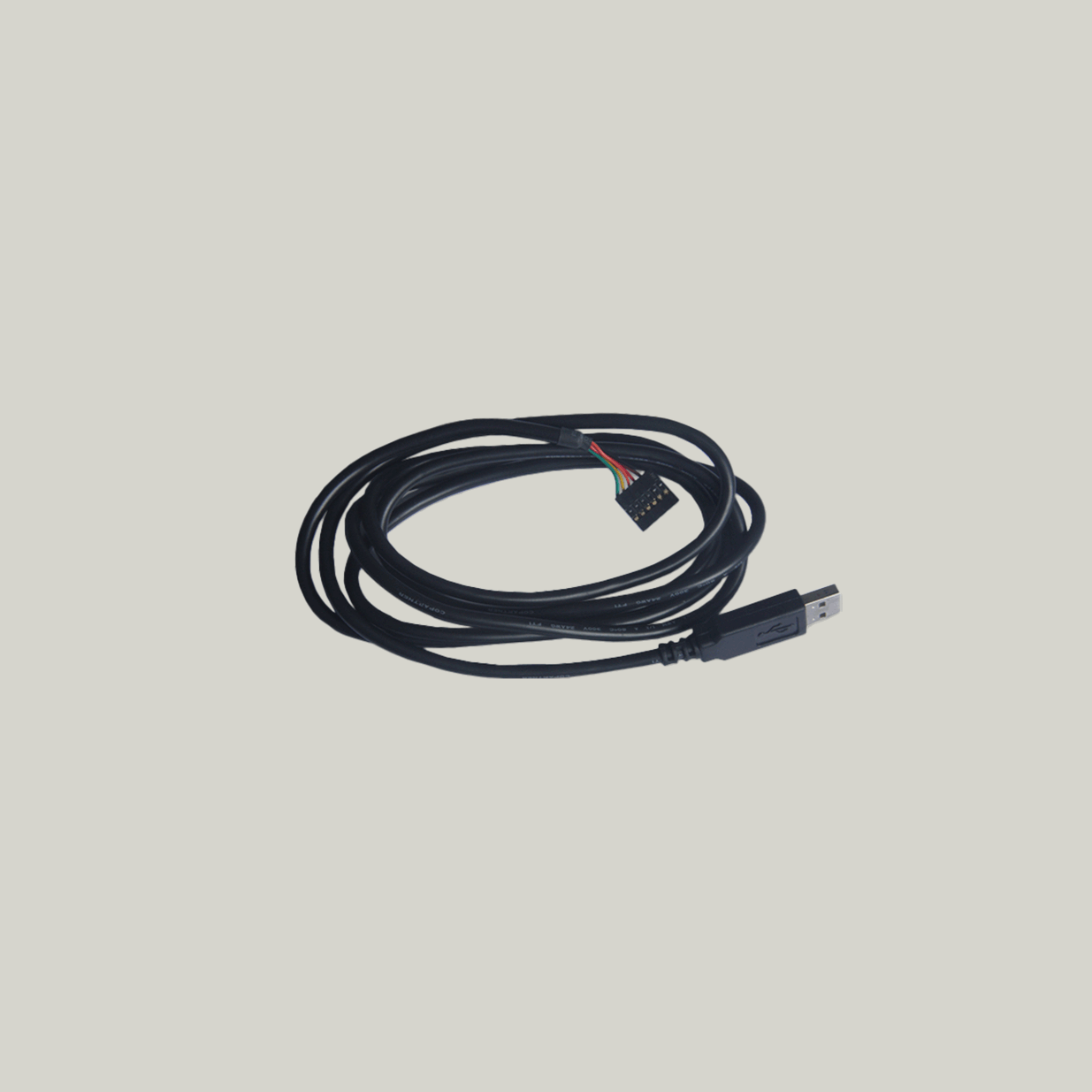
LCA20 & LCD20 Programming CablePGM1
SKU: PGM1
Description
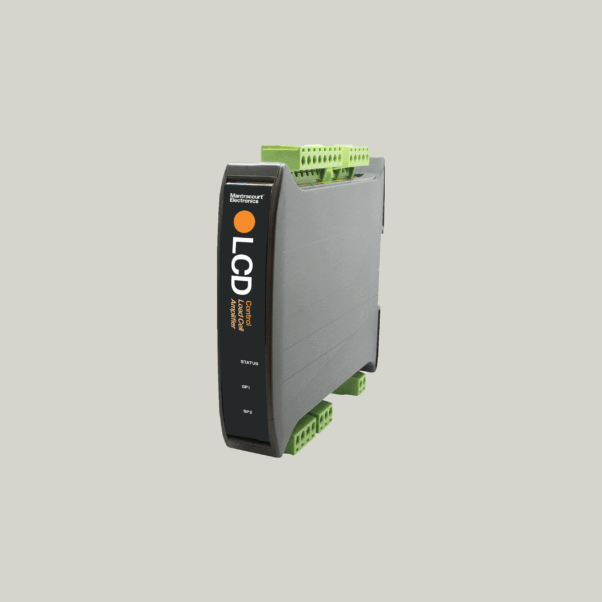
The PGM1 programming cable enables direct communication between the LCD20 Load Cell DIN Rail Signal Amplifier and a PC using LC Toolkit configuration software. It also supports the LCA20 load cell amplifier, providing a simple and reliable solution for load cell signal amplifier setup, calibration and maintenance.
The LCD20 is a compact DIN rail mounted load cell signal amplifier designed for industrial weighing, force measurement and process control applications. It supplies stable excitation to strain gauge load cells and converts the millivolt bridge output into a precise, scalable signal suitable for PLCs, data acquisition systems and automation equipment. When used with the PGM1 programming lead, users can quickly configure parameters, perform calibration, carry out data logging and complete firmware updates via a standard USB connection.
The PGM1 connects securely to the 6-way header located above the LEDs on the LCD20 or LCA20 module, ensuring a dependable communication link without the need to open the enclosure. This makes it ideal for panel-based installations and field servicing where safe and efficient access is important.
Supplied ready to use, the PGM1 appears as a virtual COM port on the PC once connected. Drivers are available from FTDI Chip and installation is automatic on most modern operating systems.
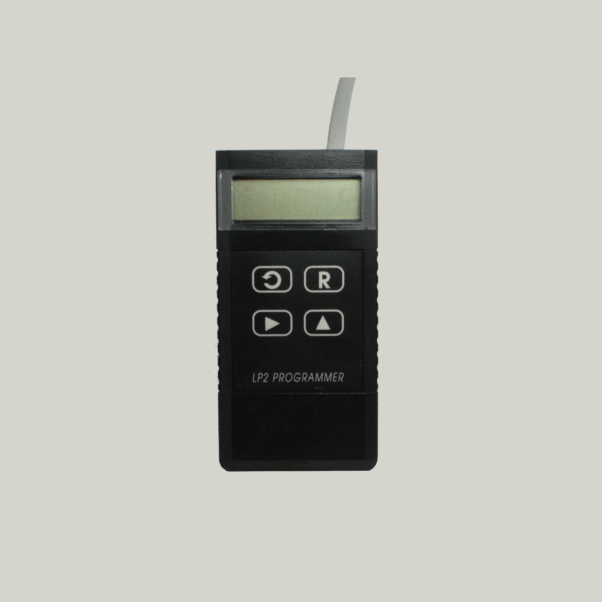
Mantracourt offers two programming options for the LCD20 and LCA20 load cell amplifiers:
-
PGM1 programming lead for PC-based configuration using LC Toolkit software
-
LP2 handheld programmer for on-site setup and calibration without a PC
Product Features & Benefits
-
Simple plug-and-play connection via USB
-
Provides access to all LCA20 & LCD20 configuration parameters
-
Supports firmware updates, calibration and data logging
-
Appears as a virtual COM port for easy integration
-
No need to open the amplifier enclosure for setup
-
Compatible with LC Toolkit software (free download)
-
Robust, high-quality FTDI-based interface for reliable communication
Downloads
FAQ
| Q | Can the LCD20 perform the same functions as the LCA20? |
| A | The LCD20 has most of LCA20’s functionality. However, there are a few exceptions. The differences are as follows:
|
| Q | How do you configure the LCD20? |
| A | This can be done either using the PGM1 cable and Toolkit or the remote handheld programmer (LP2) |
| Q | Is the LCD20 toolkit similar to the toolkit used for the LCA20? |
| A | Yes, the navigation of the two is identical and the same user-friendly graphical interface is still in place. |
| Q | How can I connect to a LCD20 without knowing the baudrate and station number? |
| A | Behind the front panel is a small red button, if you press connect in the LCD Toolkit and press the red button it will auto connect to the module. |
| Q | Can the LCD20 provide readings in tension and compression? |
| A | Yes |
| Q | Is it possible to connect two LCD20s to one load cell? How would the scaling of each remain stable in the event of a failure of one or the other ? Can the output of the load cell be connected to both LCAs? With perhaps a resistor network holding the input of the second to a reference ? |
| A | This is done using 6 wire, with the second LCA20 as 5 wire (no “+” excitation). You could have two 6 wire with two blocking diodes (for redundancy). Or a separate power supply and two 5 wires. |
| Q | Can you tell if the calibration has been changed on the LCD20? |
| A | Yes, in the calibration menu you can view the last calibration date and calibration counter. |
Need Assistance?
Get in touch and we’ll help you
to identify the right solution.